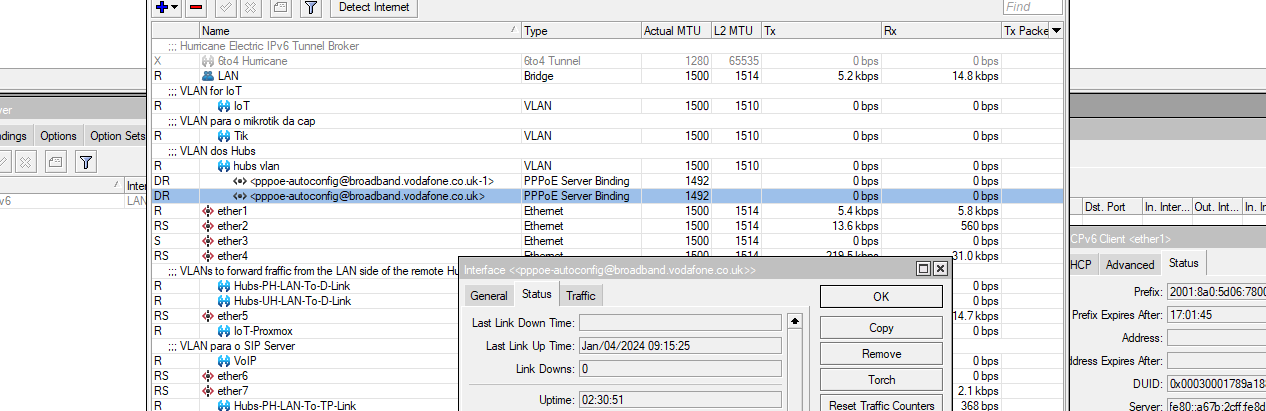
Remote Capture With Wireshark and Mikrotik
Using Winbox access the Mikrotik router, then on Tools, open Packet Sniffer.
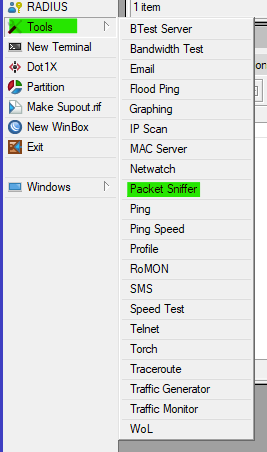
Then, on the Packet Sniffer window, open the Streaming tab.
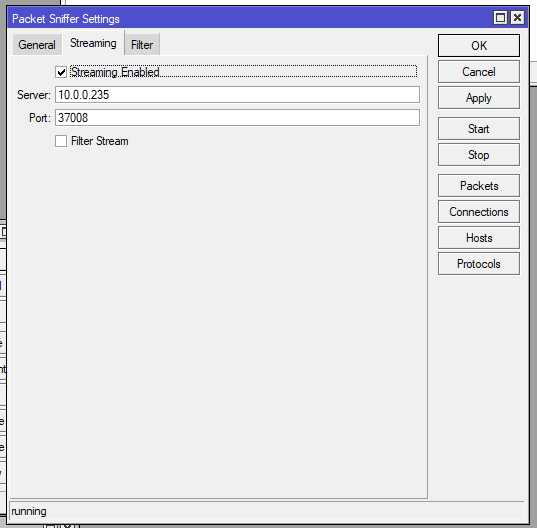
Select the option Streaming Enabled, on Server put the IP of the machine that will be running Wireshark, on Port you can leave as is or specify a different port, then open the Filter tab.
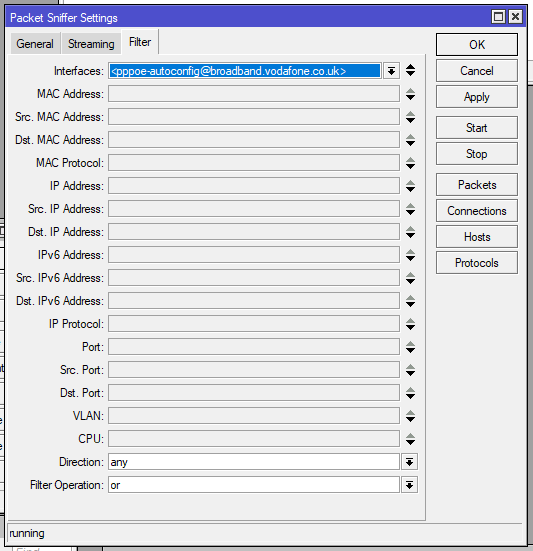
Select the interface that you wish to perform the capture, here you can specify a multitude of filters, if you wish to reduce the traffic sent over to the PC that will perform the capture.
After everything is configured correctly, click Apply then Start.
Now on to Wireshark.
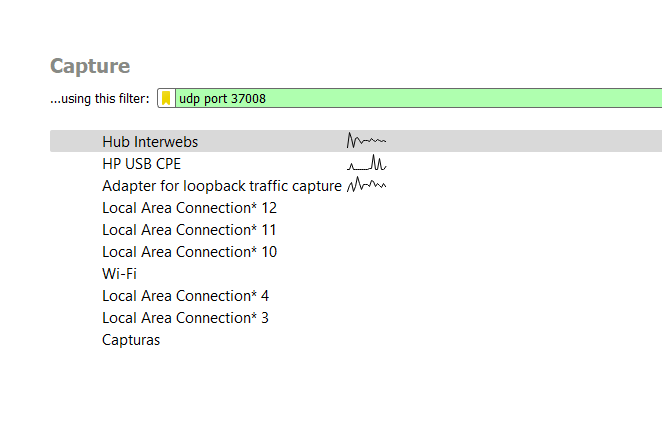
On Wireshark, select the interface where you will receive the capture stream, and use the filter udp port <port number specified earlier>, then double click on the interface selected previously, this will start the capture on Wireshark.
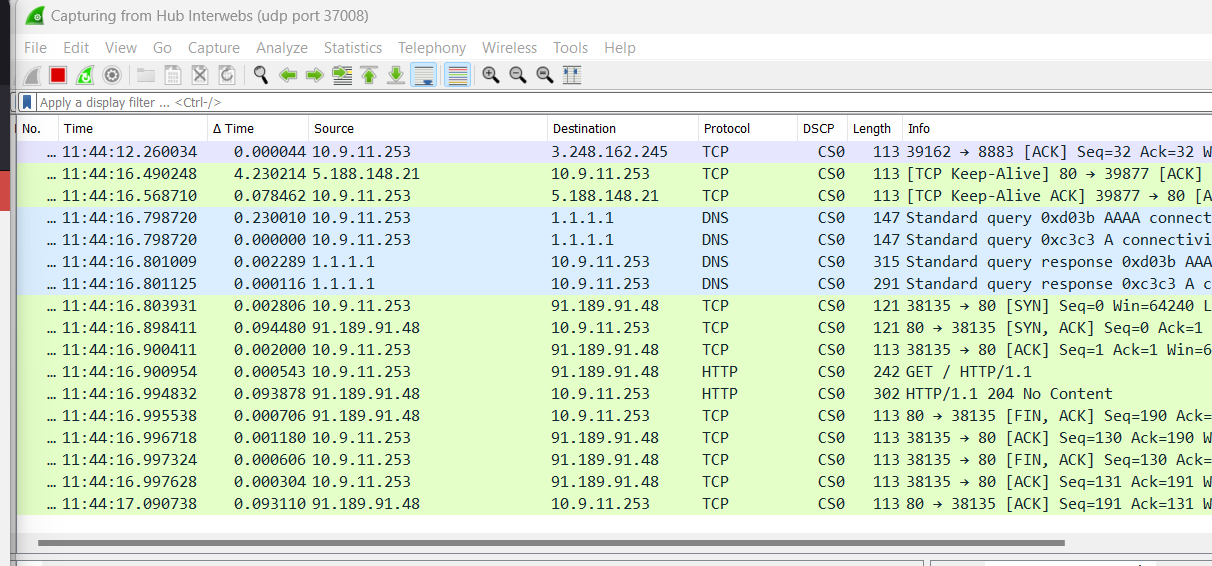
And with this you can make remote captures on Wireshark.
Just don’t forget to also stop the capture on the Mikrotik when you are finished.