Windows Defender Firewall – Block Entire Directory
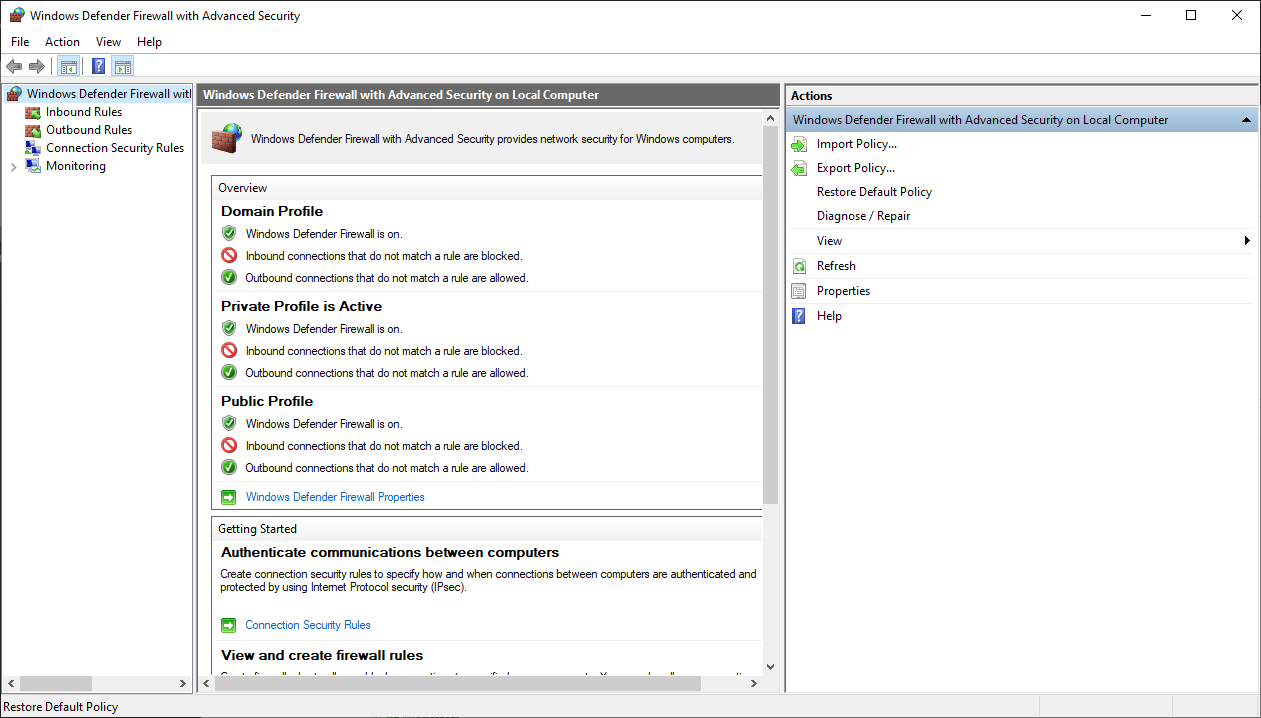
Unfortunately Windows Defender Firewall only allows the creation of individual rules for single applications one at a time, if you need to block a whole directory, you need to either create an individual rule for each of the applications, use a third party application or a script.
This script can accomplish just that.
@ setlocal enableextensions
@ cd /d "%~dp0"

for /R %%f in (*.exe) do (
netsh advfirewall firewall add rule name="Blocked: %%f" dir=out program="%%f" action=block
)
pause
Just save that as a .bat file and run it as administrator from the directory where you want to block all outbound connections from the programs it contains.